
Wedding Film Framework: Premiere Pro
Learn To Quickly Edit Story-Driven Wedding Films In Premiere Pro
JOIN THE COURSEDesigned to equip beginners new to editing weddings in Premiere Pro, as well as providing experienced filmmakers with a faster workflow that prevents creative block.
Inside this course, you will learn how to...
- Master the basics of Premiere Pro (and the advanced stuff too)
- Develop a narrative for a wedding film that tells the story of the couple
- Save time with a streamlined editing workspace that has the exact tools you need and no fluff
- Switch to Premiere Pro from Final Cut Pro, Sony Vegas, or any other editor quickly and easily
- Make your films look and sound amazing with professional color grading and audio mixing
- Design high energy dance edits that fit every wedding film
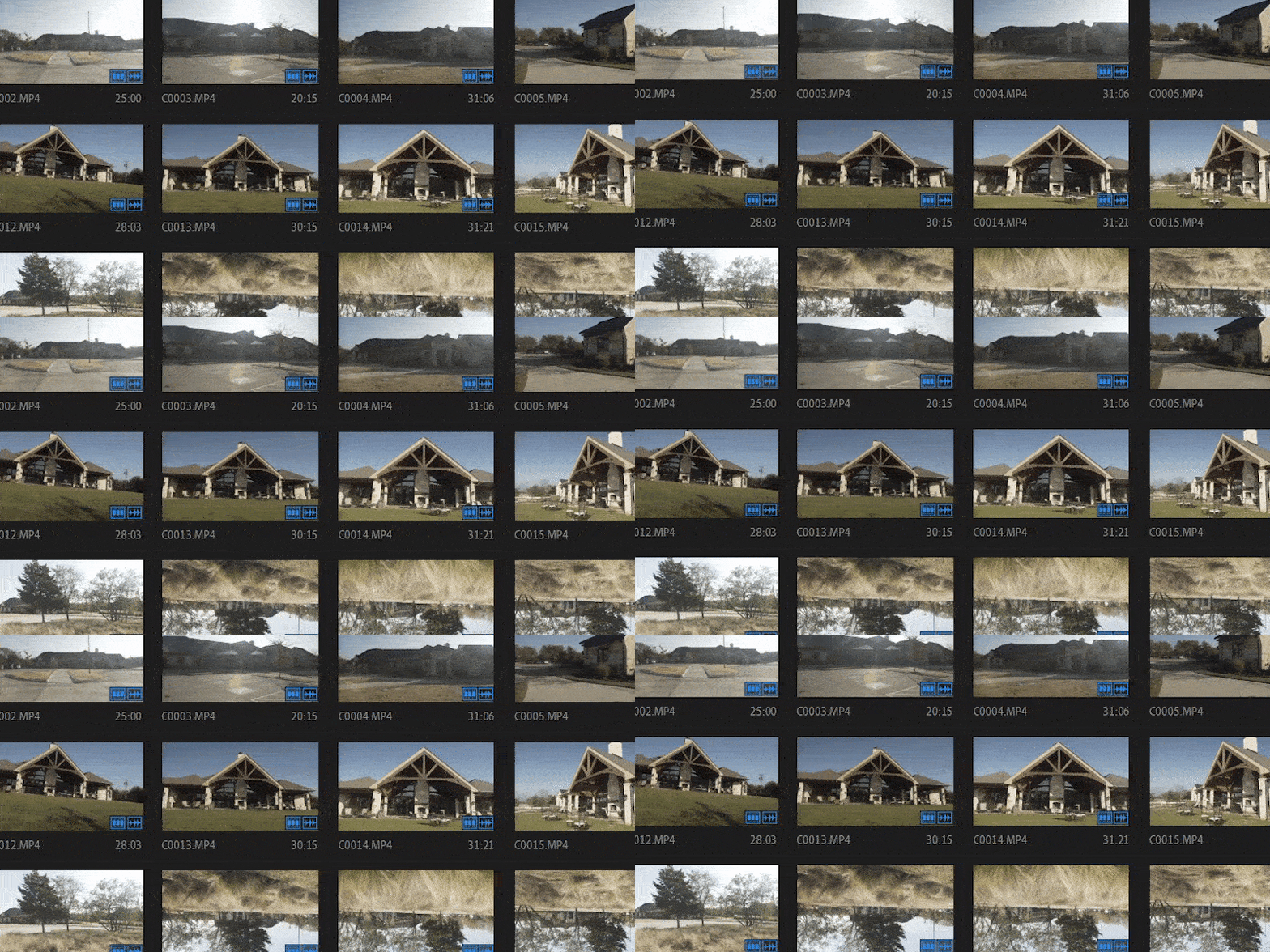
Organizing Footage
Save time with a workflow that prioritizes access to the footage you need as fast as possible.
Music Selection
My process for finding the best music for an edit, and how I mix songs with story for maximum emotional impact.
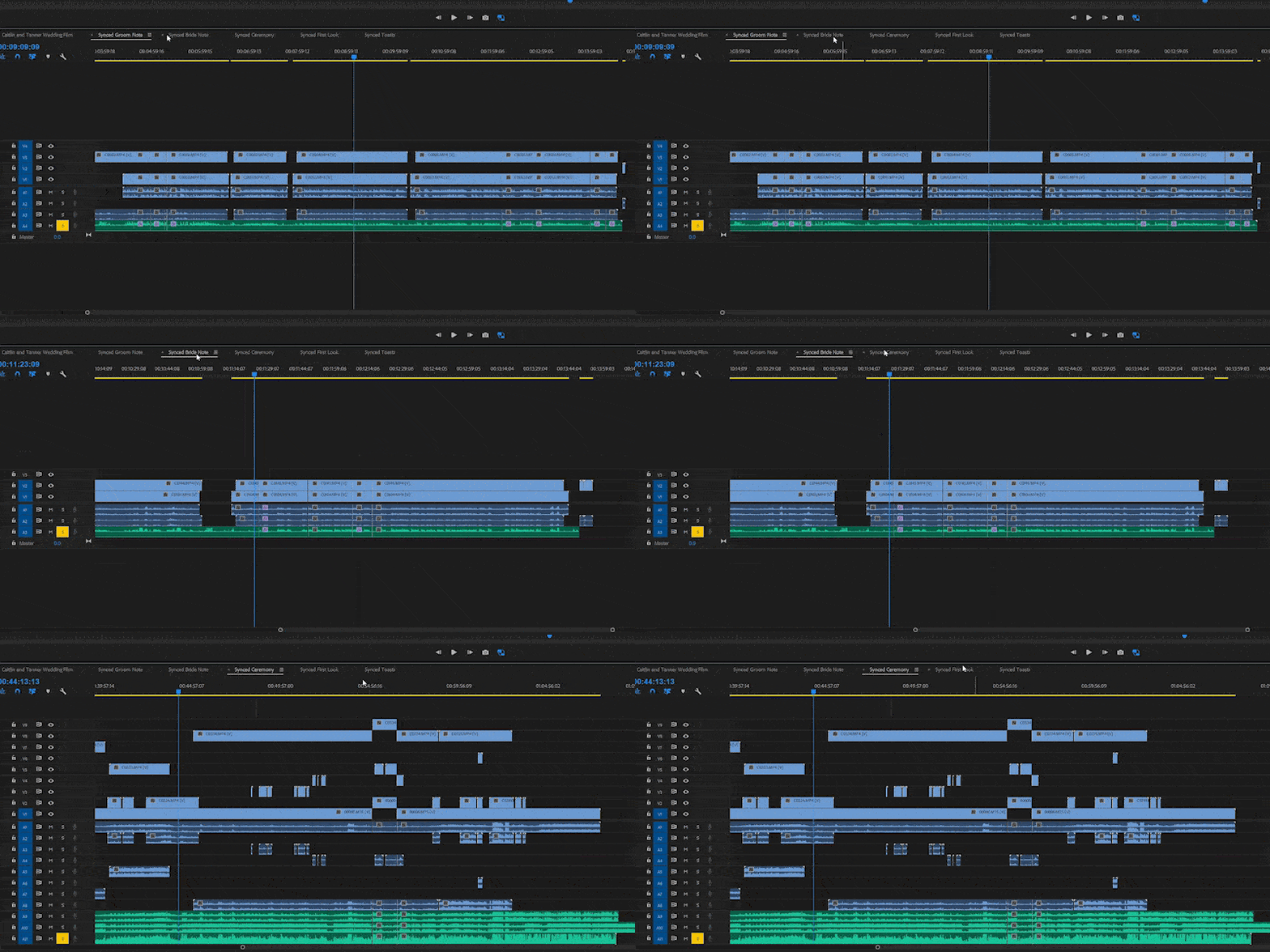
Discovering The Story
Develop a narrative that tells the couple's unique story.
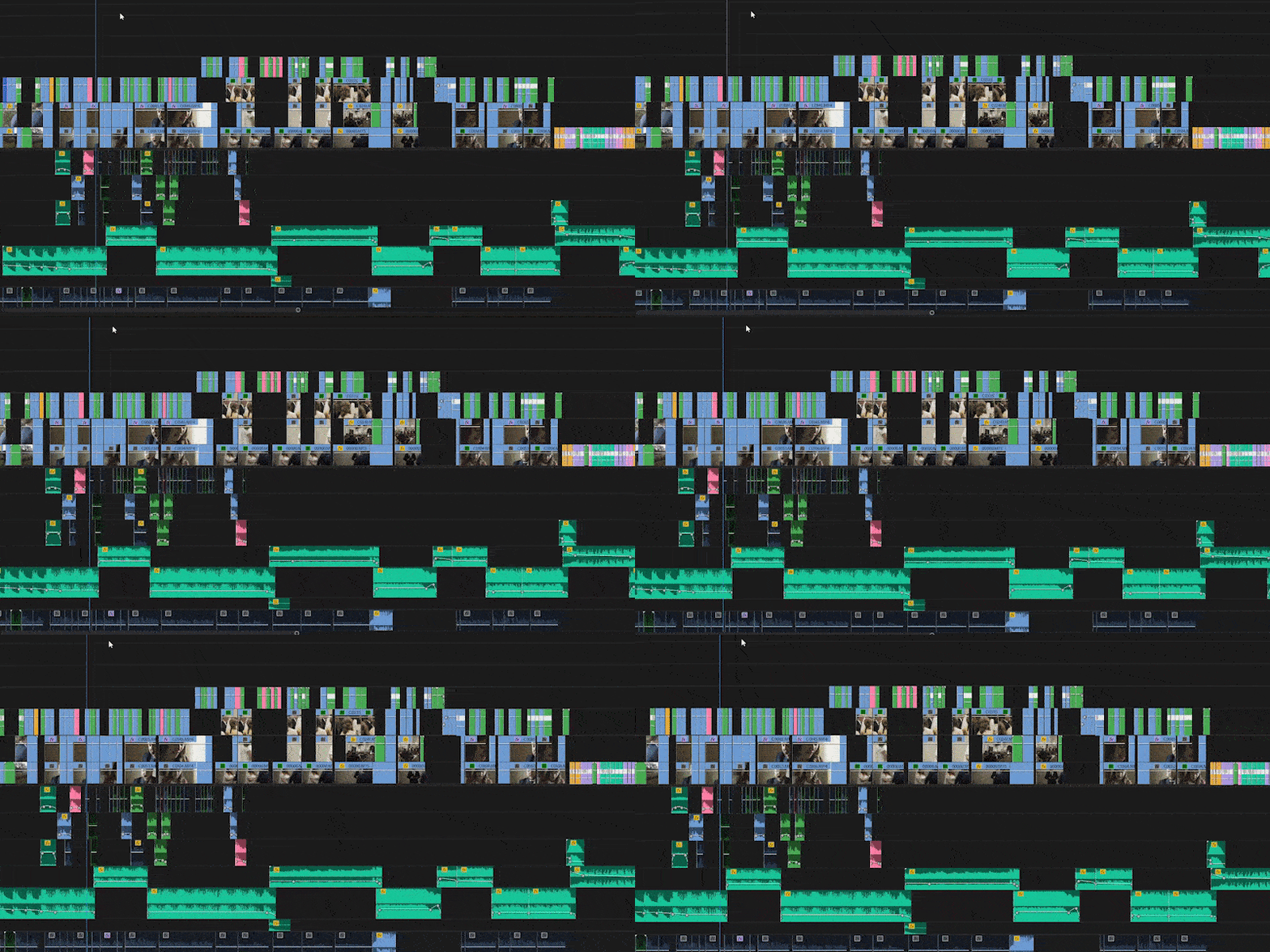
Editing Everything
Watch me edit an entire wedding film from establishing shots to exit.
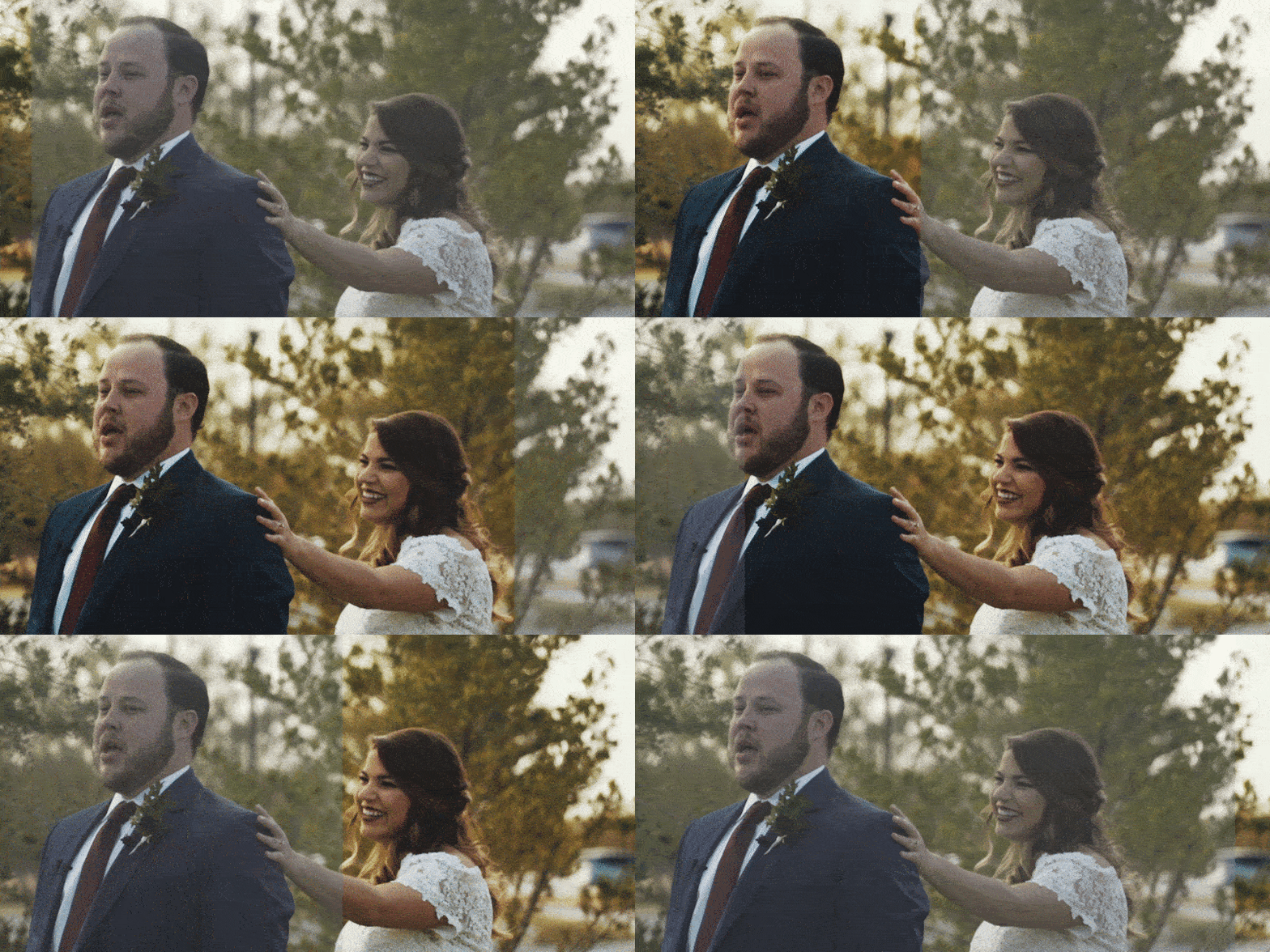
Color Grading
My precise color process to correct and color grade my films using LUTs.
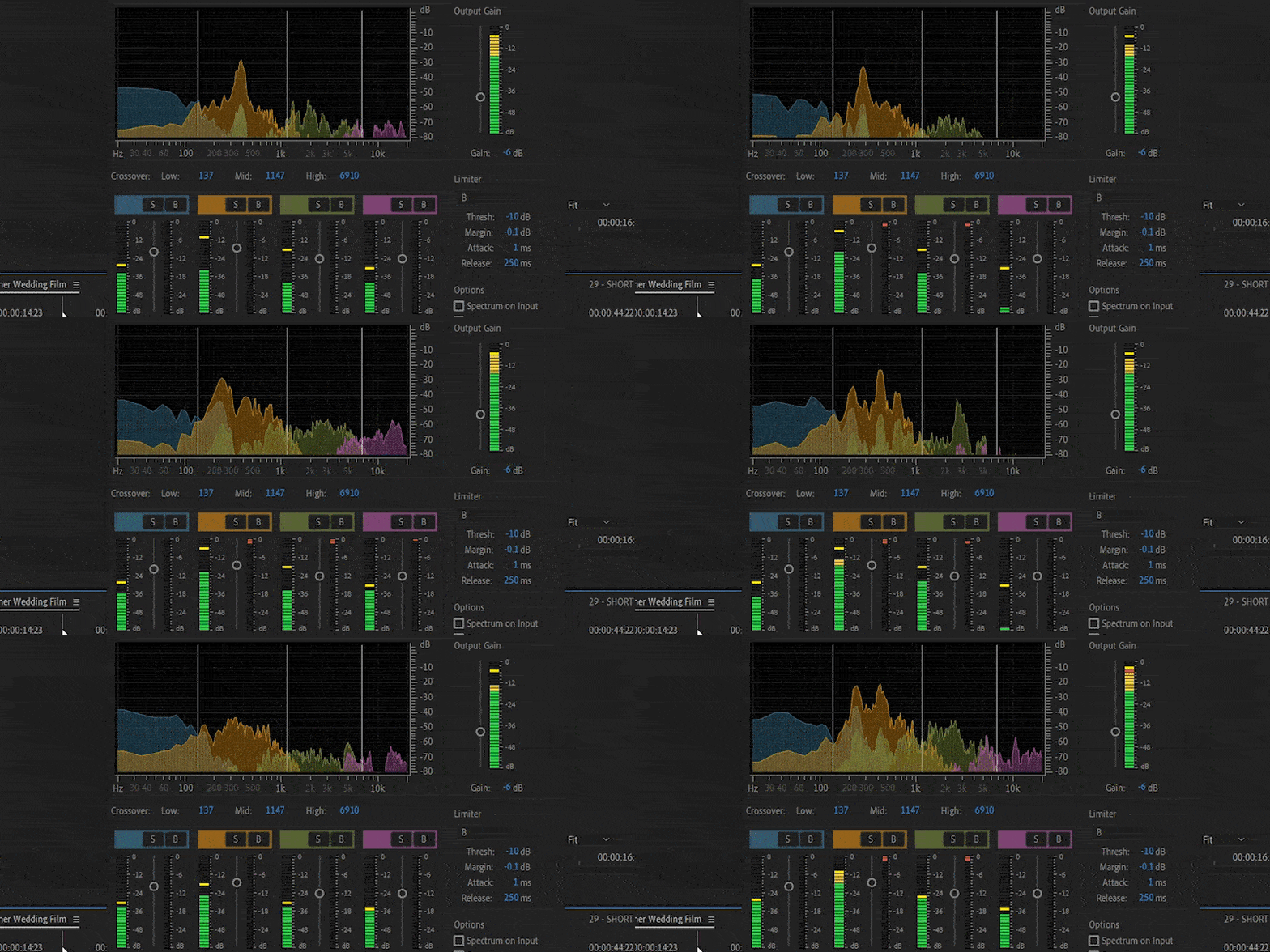
Audio Mixing
Balancing ambient audio, spoken word, and music together for a dynamic audio experience.
HERE IS WHAT I TEACH IN THIS COURSE
THE SETUP
7 lessons, 45+ minutes
Preparing your workspace in Premiere, importing footage & creating Proxies, synchronizing audio & video clips
CRAFTING THE FOUNDATION OF THE EDIT
5 lessons, 4+ hours
Discovering the wedding's story, the exact sites I use to find music, mixing the story & music together
CREATING THE WEDDING FILM
12 lessons, 10+ hours
Fast editing using timeline techniques, cutting together every part of the wedding day from establishing shot to the exit
REFINING THE WEDDING FILM'S VISUALS
5 lessons, 5+ hours
Working with mixed video resolutions, stabilizing footage, color correction and color grading the film using LUTs
AUDIO MIXING
6 lessons, 3+ hours
Balancing ambient audio from the day with spoken audio, adding sound effects, mixing all audio sources together so they sound clear and have consistent volume throughout
WRAPPING UP
3 lessons, 20+ minutes
Exporting the final film for YouTube, Vimeo, Facebook, or Instagram
FREE COURSE UPDATES RELEASED AS PREMIERE PRO IS UPDATED
- 2022 New Lesson (Premiere Pro 22.3) — Importing Footage & Creating Proxies
- 2022 New Lesson (Premiere Pro 22.3) — Exporting The Film
- 2023 New Lesson (Premiere Pro 23.4) — Using AI To Create Transcriptions & Captions
- 2023 New Lesson (Premiere Pro 23.4) — A Whole New Way To Edit Your Videos With Text Based Editing
- 2024 New Lesson (Premiere Pro 24.4) — Dramatically Better Clip & Marker Colors
- 2024 New Lesson (Premiere Pro 24.4) — Fade & Mix Audio Even Faster With Fade Handles
- 2024 New Lesson — The New (& Fastest) Way To Synchronize Audio & Video
- 2025 New Lesson (Premiere Pro 25.0) — A New Properties Panel Makes Editing Easier
- 2025 New Lesson (Premiere Pro 25.2) — How Media Intelligence AI Makes Premiere Much Smarter For You
- 2025 New Lesson (Premiere Pro 25.2) — Use AI To Extend ANY Video Clip!
Get Instant Access to Wedding Film Framework
ESSENTIALS
$497
What's Included
Wedding Film Framework: Premiere Pro Course
Documentary Lesson Edits
Free Future Lesson Updates
Matt's Music List Playlists
Personal Wedding Film Critique
PRO
$597
BEST VALUE
Wedding Film Framework: Premiere Pro Course
Documentary Lesson Edits
Free Future Lesson Updates
3 Matt's Music List Playlists
Personal Wedding Film Critique
VIP
$697
What's Included
Wedding Film Framework: Premiere Pro Course
Documentary Lesson Edits
Free Future Lesson Updates
3 Matt's Music List Playlists
3 Personal Wedding Film Critiques
Join hundreds of other wedding filmmakers that are editing faster. Here's what they have to say...
"I am SO SO SO glad I invested in this course. To be honest, just the organizing footage portion was worth it. The way Matt shows how to scrub footage and plan the story will save me so much time and will help the flow of my films. A lot of "ah ha" moments. Matt's method is going to work perfectly for us."
Sheena C.
"Been waiting for something like this for us Premiere Users for 2 years. Thanks so much for doing this. I can't imagine the hard work it took to put this together. It is worth way more than what I paid. The value is definitely there."
Kyle T.
"This course has been such an eye-opener for me. It's exactly what I've been looking for and has taught me things I've been trying to find on YouTube for MONTHS."
Lydia M.
"I wasn't new to Premiere, but I was new to putting an entire day of wedding coverage into one organized project. I needed a clear gameplan, and after months of disorganized editing, this course finally gave me that plan. Now my brain is freed up to get more creative, and I can truly breeze through the editing process."
Marcus T.
Frequently Asked Questions
If you can't find the answer below, send me an email at matt@whoismatt.com and I'll be in touch ASAP.
How long do I have access to the course?
What makes this better than your YouTube videos?
What are the "Documentary Lesson Edits"?
What are these Matt's Music List Playlists?
How do the Personal Wedding Film Critiques work?
Can I download the content for offline viewing?
I've never edited in Premiere Pro before, is this course for me?
RISK FREE 60 DAY
MONEY BACK GUARANTEE
If you aren't happy with your purchase for ANY REASON — including realizing you hate staring at my beard for hours — even if you watch the entire course, send me an email within 60 days of your purchase and I will refund your money, no questions asked.
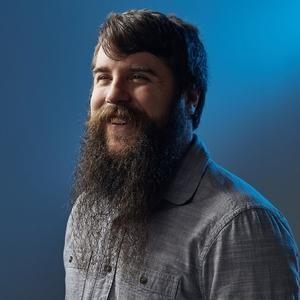
MEET YOUR TEACHER
Hey! My name is Matt Johnson and my wife Rachel and I run FilmStrong Wedding Films, based in Texas. I've been filming weddings since 2010 and growing my beard since 2012, with no interest in stopping doing either of those.
I've created this course to distill all my knowledge about how to edit wedding films creatively and efficiently. My goal is to show you not only how I edit a certain way, but why.