
GO FROM BEGINNER TO PRO IN PREMIERE PRO

Edit Videos Faster, Easier, & With Total Confidence

 
JOIN THE COURSE
From $97 · or 6 payments of $16.17

✓ Instant access  ·  ✓ Lifetime access, no subscription  ·  ✓ 60-day money-back guarantee

Testimonial from Michael on the Conclusion lesson: Matt, I'm so glad you offered this course on how to quickly edit in Premiere Pro. This is a fantastic resource that has just the right amount of information and simple techniques anyone can utilize without overloading them with technical jargon and theory. Premiere Pro has much to offer, and your course gets people up and running in an extraordinarily short time frame without glossing over the important topics, like export settings, audio, and lumetri scopes. Great job, 5/5 Beards (my new rating system btw).
6,116Filmmakers taught
558Editors inside this course
31Videos, 6 hrs 13 min
2015Teaching editing since
Matt Johnson, smiling to camera

Hey! I'm Matt Johnson 👋

Filmmaker, YouTuber, and your guide to all things video editing!

Video editing shouldn't feel like a chore, it should feel like magic.


You know that rush when you finally press play on a finished video?

An idea you scripted, recorded, and brought to life... it’s one of the most satisfying feelings in the world.

But there's a problem.

After the excitement of filming fades, you’re left staring at hours of raw footage… and the realization that editing is going to eat up hours, days, maybe even weeks, of your time.

Thankfully, you have one of the most powerful video editing programs on the planet, Premiere Pro.


And it has all the tools you need to organize your footage, make cuts, mix audio, color grade, and add text.  

But this power comes at the cost of complexity. 

12 workspaces.

32 panels.

Hundreds of settings.

Over 1,000 keyboard shortcuts.

It’s no wonder most editors feel overwhelmed and unsure if they’re even using the fastest and easiest methods.

I get it, I've been there.

After 15 years of video editing and trying every feature, shortcut, and workflow Premiere Pro has to offer, I've cracked the code for making editing faster, simpler, and more fun.

And now, I want to show you how!

Whether you’ve never opened an editing program in your life, or you’ve got the basics down and want to level up, this is for you.

Over the past decade, I've helped thousands of people learn how to edit videos through in-person coaching and tutorial videos online, and now I've put everything I know into a powerful, easy to follow course.

Ready to finally edit with confidence and speed in Premiere Pro?

Let's make it happen.

🎬

Introducing Video Editing Unlocked: Premiere Pro

Video Editing Unlocked: Premiere Pro course title card

It doesn't matter whether you are brand new or coming from another video editor, Video Editing Unlocked: Premiere Pro will teach you the fastest, easiest workflow to create professional videos!

JOIN THE COURSE
From $97 · or 6 payments of $16.17

📚

Here's a sneak peek of what you will learn...

Module 1 - Setting Up & Optimizing Premiere

5 videos · 1 hr 3 min

  • An easy and repeatable way to keep even your largest video projects organized
  • The secret settings that keep Premiere from slowing down over time
  • How to customize Premiere's workspaces & panels for incredibly fast editing 

Module 2 - Importing & Editing Footage

10 videos · 2 hr 12 min

  • Learn cuts, transitions, effects and everything else to edit like a pro
  • Why you (surprisingly) only need 2 sequences for any video
  • The most important time-saving keyboard shortcuts to use

Module 3 - Audio Mixing & Repair

8 videos · 1 hr 30 min

  • My 1-click preset for instantly incredible sounding audio, no matter the microphone used
  • Where to find high-quality free & affordable music
  • The simple (and overlooked) built-in tools that repair bad audio with a few clicks

Module 4 - Color Correction & Color Grading

3 videos · 55 min

  • The most important (& often neglected) factor when it comes to color in your videos
  • A workaround that guarantees good colors even if you have a bad monitor
  • Hollywood secrets of color that will make your videos immediately look unique 

Module 5 - Exporting in 4K & HD

1 video · 25 min

  • How to get dramatically better video quality on YouTube & Facebook
  • A simple (and often ignored) slider that affects your video quality the most
  • The exact settings I use to make my videos look incredible on any screen
Great attention to detail and thank you for always explaining the 'why'.
Samuel G.✓Verified customer

📋

See every lesson

All 31 videos, just over 6 hours, in the order you watch them.
Course Introduction2 videos · 5 min
  1. Welcome to the Course1:44
  2. How This Course Works2:54
Download Templates & Presets5 downloads
  1. Fast Editing Premiere Pro Project TemplateDownload
  2. Custom Quick Keyboard ShortcutsDownload
  3. High Quality 1080P & 4K Sequence PresetsDownload
  4. Magical Audio Mixing PresetDownload
  5. High Quality 1080P & 4K Export PresetsDownload
Module 1 - Setting Up & Optimizing Premiere5 videos · 1 hr 3 min
  1. Fast File & Folder Organization9:50
  2. Opening Premiere & Creating A New ProjectNew · Premiere 2516:47
  3. Customize Your Workspace For FAST EditingNew · Premiere 2523:40
  4. The NEW Properties PanelNew · Premiere 25.03:34
  5. Optimize Your Settings & Keyboard Shortcuts8:47
Module 2 - Importing & Editing Footage10 videos · 2 hr 12 min
  1. Import Your FootageNew · Premiere 259:38
  2. Setup Your Sequence6:14
  3. Learn The Timeline15:40
  4. Get Dramatically Better Clip & Marker ColorsNew · Premiere 24.45:28
  5. Edit Your Footage FAST33:31
  6. Your New Favorite Video Transitions10:44
  7. Use AI To Create Transcriptions & CaptionsNew · Premiere 23.417:09
  8. A Whole New Way To Edit Your Videos: Text Based EditingNew · Premiere 23.411:17
  9. Media Intelligence AI Makes Premiere Much Smarter For YouNew · Premiere 25.210:39
  10. Use AI To Extend ANY Video ClipNew · Premiere 25.211:25
Module 3 - Audio Mixing & Repair8 videos · 1 hr 30 min
  1. Level & Fade Your Audio15:43
  2. Fade & Mix Audio Even Faster With Fade HandlesNew · Premiere 24.48:02
  3. Mix Your Audio With 1 Click25:59
  4. Repair Bad Audio (Hums, Buzz, Echo, Etc.)5:02
  5. Easily Add Text To Your Videos11:36
  6. Where To Find FREE Music For Your Videos9:23
  7. Music Licensing Sites You Will Love7:01
  8. Remix Any Song And Change The Length In Just 3 ClicksNew · Premiere 22.27:42
Module 4 - Color Correction & Color Grading3 videos · 55 min
  1. Correct Your Colors So They Pop28:40
  2. Take Your Colors To The NEXT LEVEL With Color Grading18:22
  3. Save Time Color Grading With LUTsBonus8:25
Module 5 - Exporting in 4K & HD1 video · 25 min
  1. Export Your Finished Video In The Highest QualityNew · Premiere 2524:39
Conclusion2 videos · 3 min
  1. Conclusion2:28
  2. Watch The Finished Video0:53

🔄

FREE LESSON UPDATES AS PREMIERE PRO IS UPDATED

Every year Adobe releases updates to Premiere Pro, and this course includes free lessons to keep you learning!

A wedding clip extended with Generative Extend in the Program monitor

EditPremiere 25.2 · 2025

Generative Extend: Use AI To Make Any Clip Longer

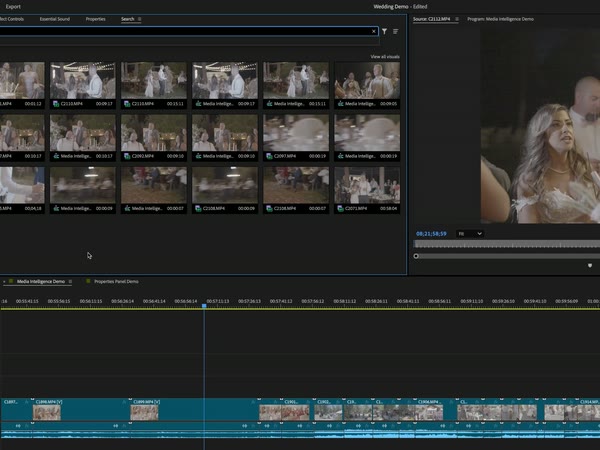
Media Intelligence search results for wedding clips in Premiere Pro

EditPremiere 25.2 · 2025

AI Powered Editing With Media Intelligence

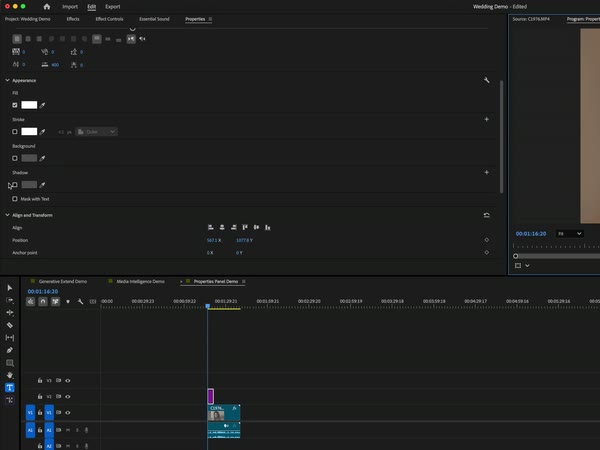
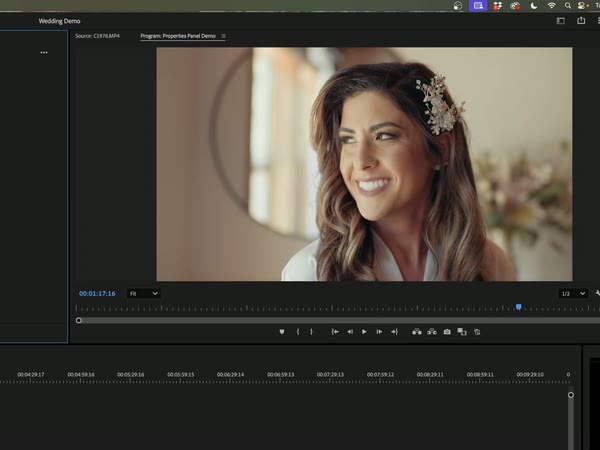
Text controls in the new Properties panel above the timeline

SetupPremiere 25.0 · 2024

Edit Faster With The New Properties Panel

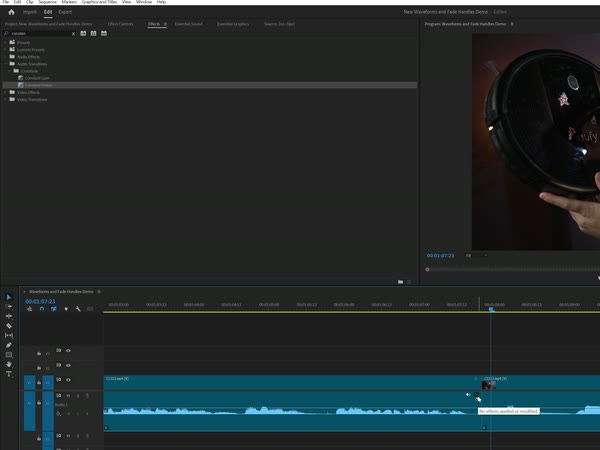
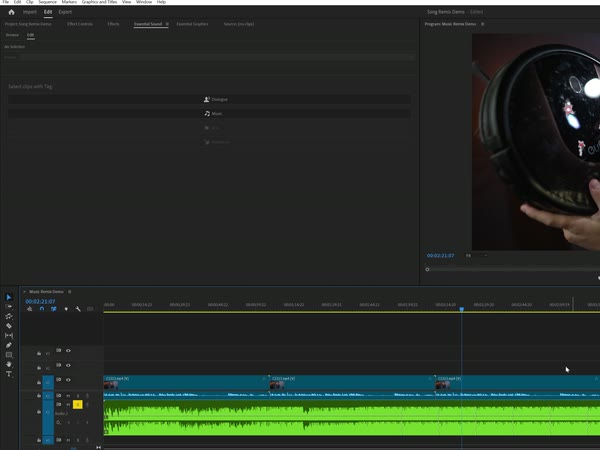
An audio clip on the timeline with a fade handle

AudioPremiere 24.4 · 2024

Fade & Mix Audio Even Faster With Fade Handles

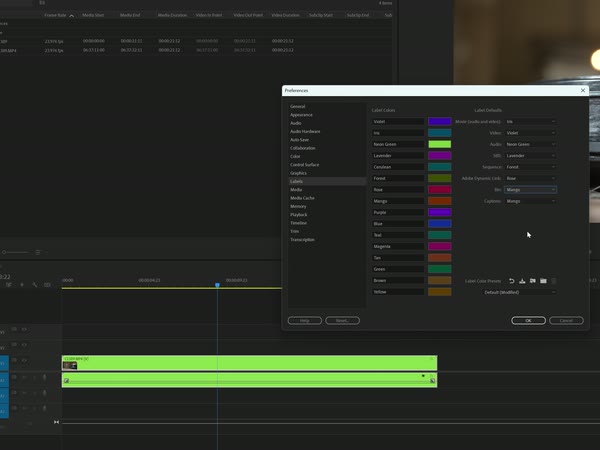
The new label colour swatches in Premiere Pro preferences

EditPremiere 24.4 · 2024

Get Dramatically Better Clip & Marker Colors

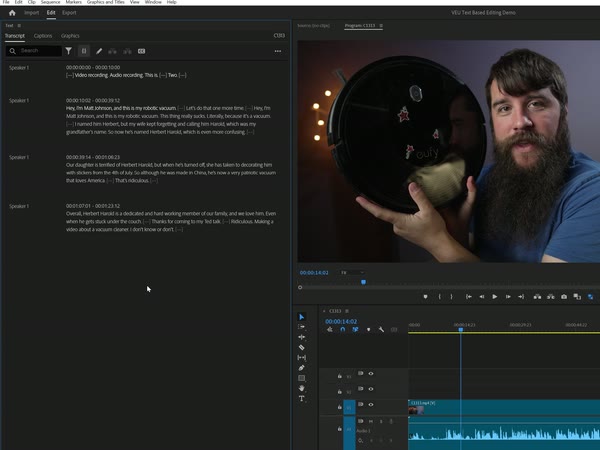
The Text panel transcript beside the Program monitor

EditPremiere 23.4 · 2023

A Whole New Way To Edit Your Videos: Text Based Editing

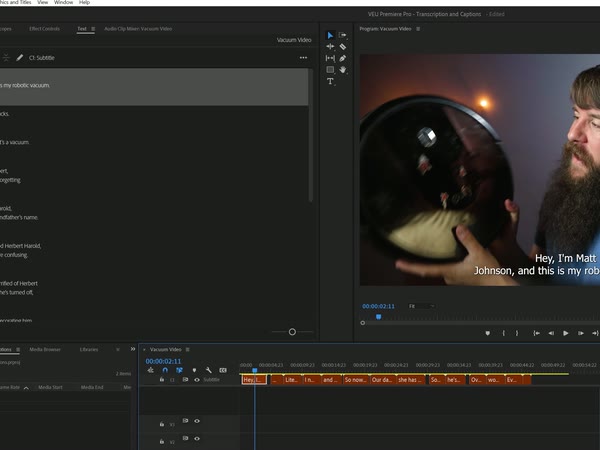
An AI-generated caption on the Program monitor

CaptionsPremiere 23.4 · 2023

Use AI To Create Transcriptions & Captions

A remixed music track on the timeline

AudioPremiere 22.2 · 2022

Remix Any Song & Change The Length In Just 3 Clicks

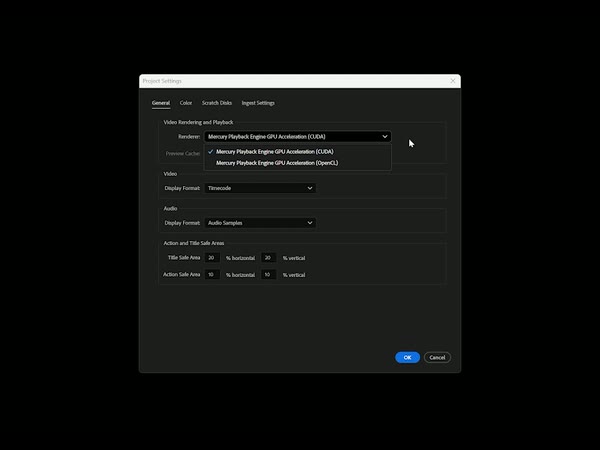
The Project Settings window in Premiere Pro

SetupPremiere 25 · 2025

Opening Premiere & Creating A New Project

A customised editing workspace with the Program monitor

SetupPremiere 25 · 2025

Customize Your Workspace For FAST Editing

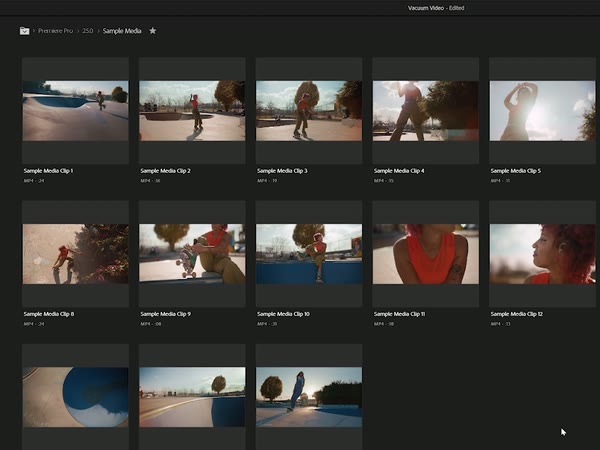
The Import view browsing clips in Premiere Pro

ImportPremiere 25 · 2025

Import Your Footage

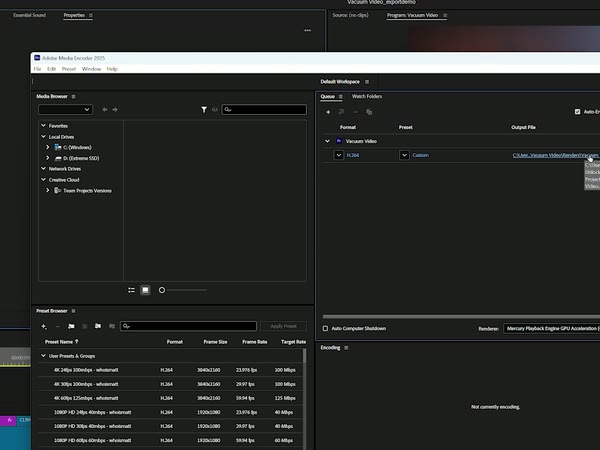
Adobe Media Encoder with export presets

ExportPremiere 25 · 2025

Export Your Finished Video In The Highest Quality

A video editing class in film school can cost thousands of dollars for even one semester. 

But I wanted this course to be as accessible as possible.

And that's why you can get access to the entire Video Editing Unlocked Course for one payment of $197.

GET INSTANT ACCESS
From $97 · 60-day money-back guarantee

🤝

60 day money back guarantee

If you aren't happy with your purchase for ANY REASON - including realizing you hate looking at my beard - even if you watch the entire course, send me an email within 60 days of your purchase and I will refund your money, no questions asked.

60 day money back guarantee badge

🎁

Oh yeah, you get BONUSES inside the Pro Lessons Vault

All three are included with PRO.
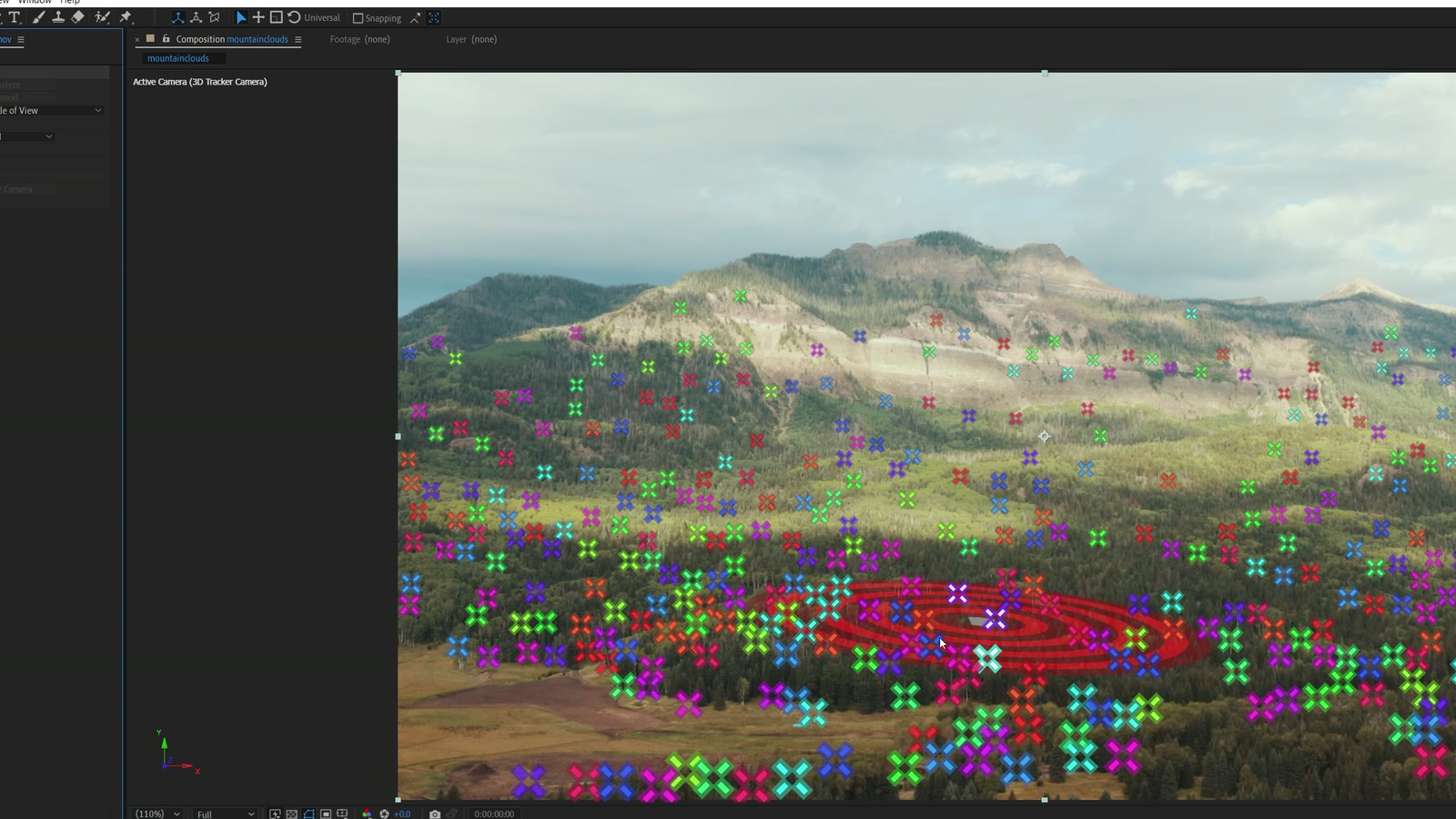
After Effects with the 3D Camera Tracker placing track points across a mountain valley

Bonus 1 · $67 value

After Effects Pro Mini Course: Enhance the visuals of your videos with special effects

After Effects is used daily by Hollywood to create many of the motion graphics and titles in the films you see in theaters today. Now, you can learn to use it at home.

In this bonus mini-course, I will show you:

  • A shortcut to getting beautiful animated text in a few clicks
  • How to realistically attach text to walls and ground in your videos
  • A stunning technique to delete any unwanted object in your video WITHOUT having to learn complex VFX tools

7 videos · 36 min · export presets & practice footage
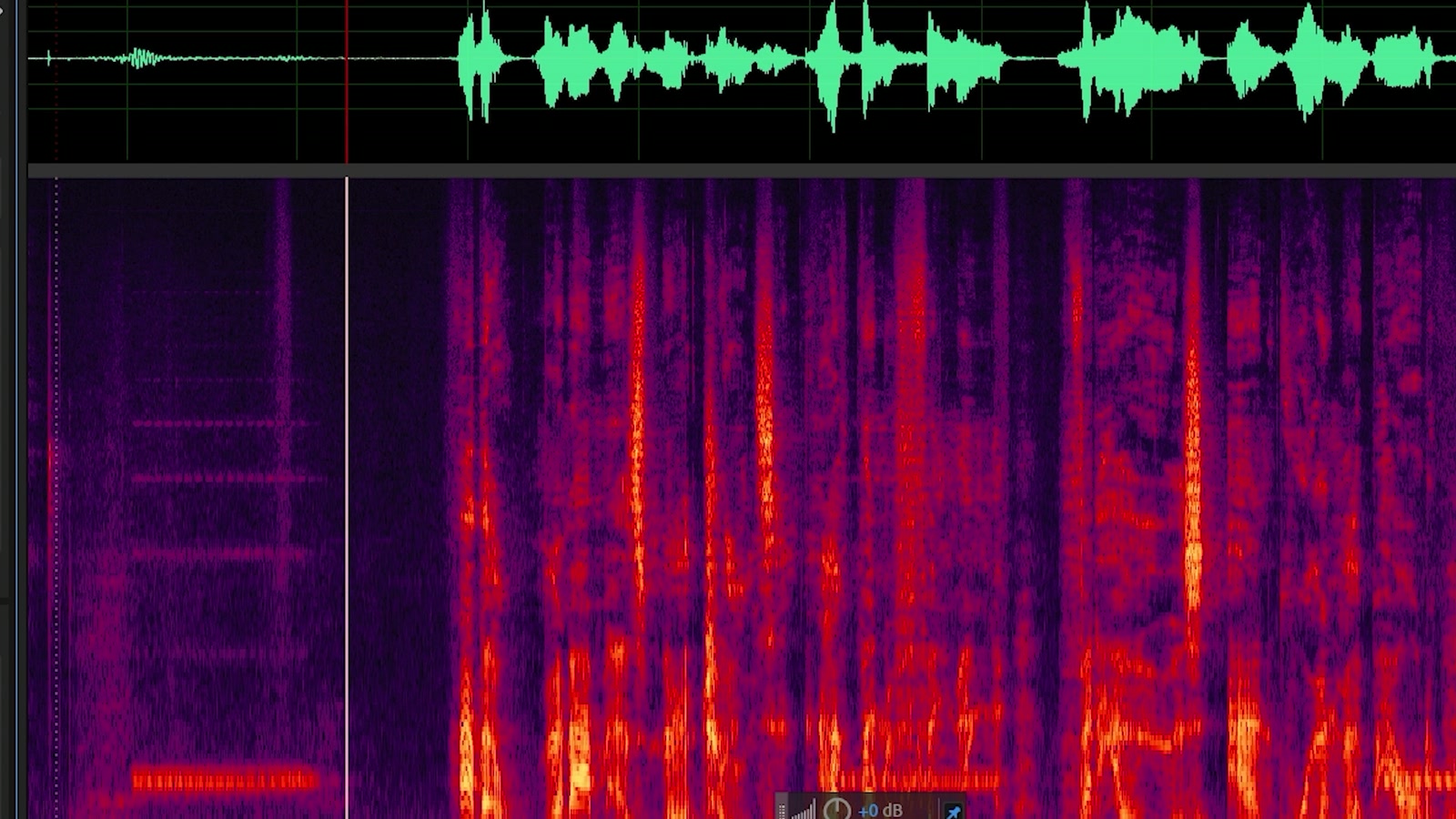
Adobe Audition

Bonus 2 · $97 value

Audition Pro Mini Course: Remix and repair your audio

Without good audio your audience will stop watching your video and click away within seconds. Thankfully, if your audio or music have problems, Adobe Audition probably has a tool that can fix them.

In this bonus mini-course, you will learn:

  • How to use "Photoshop for Audio" to remove barking dogs, ringing phones, crying babies, and other unwanted sounds, without distorting your audio
  • How to access a little-known tool in Audition that can recover distorted and clipped audio in a few clicks, automatically
  • A mind-blowingly simple way to change the length of any song so it perfectly matches your video, without making any cuts, or fades

6 videos · 39 min · practice audio files

Four clips from the raw 4K footage used in the course

Bonus 3 · $37 value

Raw 4K Footage: Edit along with the course

More than just showing you how to use Premiere Pro, I want you to be hands-on with the program.

That's why you get access to the exact same raw footage I used when creating the lessons for this course. You can import this footage into your copy of Premiere Pro and follow along with the lessons, making the same edits every step of the way. 

In the end, you will know everything you need to edit a video, because you will have already done it!

2 GB of 4K footage

GET INSTANT ACCESS
From $97 · 60-day money-back guarantee

📦

Here's everything you get in Video Editing Unlocked:

  • All 31 Video Editing Unlocked course videos with over 6 hours of in-depth step-by-step training, plus updated lessons for the newest version of Premiere Pro.
  • My streamlined Premiere Pro Project Template which instantly gives you all the workspaces and panels you need for fast editing
  • Sequence & Export Presets for every popular frame rate in both HD & 4K resolutions, making your finished videos the highest quality possible
  • My custom one-click audio preset that gives you incredible sounding audio in your videos, no matter the mic used
  • Access to my private Discord community of video editors, where you can ask questions, get feedback, and be encouraged by me and other filmmakers
  • NEW LESSONS: As Premiere Pro is updated, this course is updated with new lessons too, FREE!
  • BONUS: Raw Footage for you to follow along with editing during the course
  • BONUS: Adobe After Effects Pro Course that shows you some of the most powerful visual effects you can easily add to your videos
  • BONUS: Adobe Audition Pro Course that shows you how to quickly repair and remix your audio

What is all of that worth?

An hour of private coaching with me is $397. A semester of editing classes at film school costs thousands.

You get lifetime access to everything for one payment of $197.

GET INSTANT ACCESS
From $97 · 60-day money-back guarantee

Not interested in the bonuses?

  • All 31 Video Editing Unlocked course videos with over 6 hours of in-depth step-by-step training, plus updated lessons for the newest version of Premiere Pro
  • My streamlined Premiere Pro Project Template which instantly gives you all the workspaces and panels you need for fast editing
  • Customized Sequence & Export Presets for every popular frame rate in both HD and 4K resolutions, making your finished videos the highest quality possible
  • My custom one-click audio preset that gives you incredible sounding audio in your videos, no matter the mic used
  • Access to my private Discord community of video editors, where you can ask questions, get feedback, and be encouraged by me and other filmmakers
  • NEW LESSONS: As Premiere Pro is updated, this course is updated with new lessons too, FREE!
  • BONUS: Raw Footage for you to follow along with editing during the course
  • BONUS: Adobe After Effects Pro Course that shows you some of the most powerful visual effects you can easily add to your videos.
  • BONUS: Adobe Audition Pro Course that shows you how to quickly repair and remix your audio

Get the basic version of Video Editing Unlocked for just one payment of $97.

💬

What people say after they start

✓Verified customer

Sean K.

Camera assistant turned wedding filmmaker

Four weddings in
Testimonial from Samuel: Absolutely! The course is great, btw. Great attention to detail and thank you for always explaining the 'why'.

✓Verified customer

Explains the why

✓Verified customer

Just started watching and your tone, pace and explanations are just as good as (if not better than) your Youtube videos.

Rick T.

Testimonial from Michael: I taught myself PP and AE in between (and sometimes during lol) work hours, but your YouTube channel and this course makes everything that much more clear.
Self-taught editor

✓Verified customer

I just got started on the course today and really enjoying it so far. Thorough and easy to follow along.

Daniel S.

Testimonial from Gerald: Hey, Matt, this is so cool! Thanks for all your efforts, free help in your videos on yt etc. buying your course should be a must for everyone who ever found your tips helpful :-) greetings from Austria! Best, Gerald

✓Verified customer

Testimonial from Thomas on the After Effects Tools Summary: This Pdf is really handy. Clear explanations in the videos! It will help me during editing. Thank you! Will there be a more comprehensive After Effects course at a later date? I am already interested in that :)
After Effects bonus

🤔

Got Questions?

... buying your course should be a must for everyone who ever found your tips helpful
Gerald J.✓Verified customer

⏳

Imagine this - it's 6 months from today.

You didn't invest in this course.

You’re still editing at the same slow pace.

Premiere Pro still feels confusing.

You waste hours on things that should take minutes.

And those videos you wanted to create?

They’re still sitting on your hard drive… unfinished.

Or maybe you’re still stuck on another editor, telling yourself “I really should learn Premiere Pro”... but you never do.

And the dream of creating pro-quality videos stays just that: a dream.

Now, picture the other path.

6 months from now, you did take action.

You joined Video Editing Unlocked: Premiere Pro.

Now you’re editing faster than ever.

You know exactly what every setting does.

You’re mixing audio in a few clicks, color grading like a pro, and building videos you’re proud to share.

Clients love your work.

You feel confident. In control. Unstoppable.

This is your moment.

Join Video Editing Unlocked: Premiere Pro today, and let’s make that future yours.

I’ll be right there with you, every step of the way.

Your guide to all things video editing,
Matt Johnson

P.S. Don't just take my word for it, here's what one of my students had to say...


🛒

The choice is up to you!

BASIC

$97

  • Video Editing Unlocked Course (31 videos)
  • Premiere Pro Project Template
  • One-Click Audio Preset
  • High-Quality Sequence & Export Presets
  • Private Discord Community
  • Free Future Lesson Updates

✕Adobe Audition Pro Course

✕Adobe After Effects Pro Course

✕Raw Footage To Follow Along With Editing The Course

BUY NOW OR 6 PAYMENTS OF $16.17

PRO

$197

MOST POPULAR

  • Video Editing Unlocked Course (31 videos)
  • Premiere Pro Project Template
  • One-Click Audio Preset
  • High-Quality Sequence & Export Presets
  • Private Discord Community
  • Free Future Lesson Updates
  • Adobe Audition Pro Course
  • Adobe After Effects Pro Course
  • Raw Footage To Follow Along With Editing The Course
BUY NOW OR 6 PAYMENTS OF $32.83

Edit in both apps?

Get Video Editing Unlocked: Premiere Pro and DaVinci Resolve together, plus my complete WhoisMatt LUTs pack, for one payment of $297.

GET THE COMPLETE BUNDLE

60 DAY MONEY BACK GUARANTEE

If you aren't happy with Video Editing Unlocked for any reason,  you're covered by my no-questions-asked 60-day 100% money-back guarantee.