
Switching to DaVinci Resolve? Skip the painful part.
I spent 14 years finding the fastest workflow in Resolve so you don’t have to. Edit your first full video this weekend.
Who This Course Is For
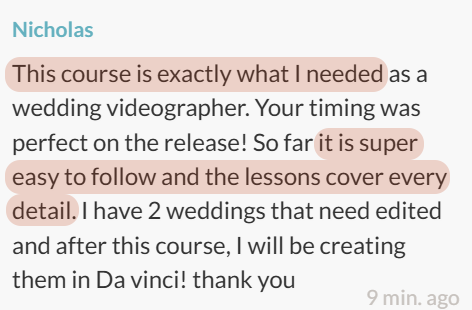
You edit corporate or commercial videos, short films, podcasts, or YouTube videos, and you want one fast workflow you can repeat every time.
Coming from Premiere, Final Cut or iMovie? You are exactly who I built this for. I show you the Resolve way of doing what you already know, so you can stop translating in your head.
Never edited anything before? Even better. You have no slow habits to unlearn, and Module 1 starts at the very beginning.
Who it is not for: anyone who wants to master every button in Resolve. I teach the 20% of the program that does 80% of the work.
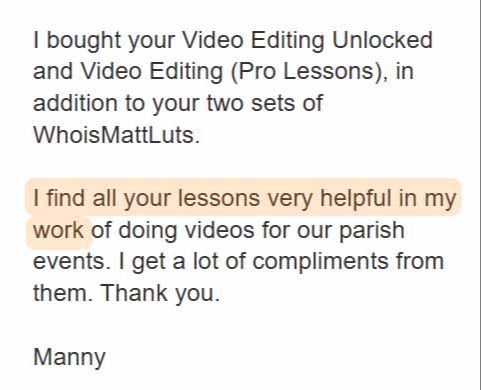
"... the training helped me refine a wedding video as I transition into using Resolve more often."

Hey! I'm Matt Johnson - Filmmaker, YouTuber, and your guide to all things video editing! 👋
Video editing shouldn't feel like a chore, it should feel like magic.
You know that rush when you finally press play on a finished video?
An idea you scripted, recorded, and brought to life... it’s one of the most satisfying feelings in the world!
But there's a problem.
After the excitement of filming fades, you’re left staring at hours of raw footage… and the realization that editing is going to eat up hours, days, maybe even weeks, of your time.
Thankfully, you have one of the most powerful video editing programs on the planet, DaVinci Resolve.
And it has all the tools you need to organize your footage, make cuts, mix audio, color grade, and add motion graphics and text.
But this power comes at the cost of complexity.
7 workspaces.
22 panels.
Hundreds of settings.
A node based workflow unlike anything else out there.
It’s no wonder most editors feel overwhelmed and unsure if they’re even using the fastest and easiest methods.
I get it, I've been there.
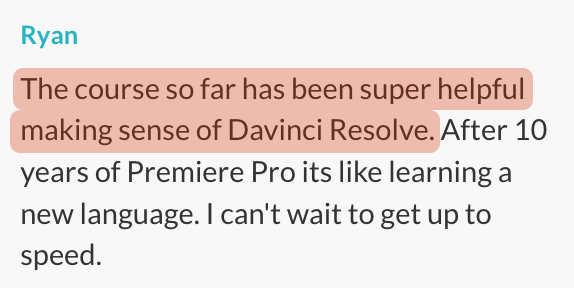
After 14 years of video editing and trying every feature, shortcut, and workflow DaVinci Resolve has to offer, I've cracked the code for making editing faster, simpler, and more fun.
And now, I want to show you how!
Whether you’ve never opened an editing program in your life, or you’ve been editing for years and want to level up, this is for you.
Over the past decade, I've helped thousands of people learn how to edit videos through in-person coaching and tutorial videos online, and now I've put everything I know into a powerful, easy to follow course.
Ready to finally edit with confidence and speed in DaVinci Resolve?
Let's make it happen!
Introducing Video Editing Unlocked: DaVinci Resolve
It doesn't matter whether you are brand new or coming from another video editor, Video Editing Unlocked: DaVinci Resolve will teach you the fastest, easiest workflow to create professional videos!
Here's a sneak peek of what you will learn...
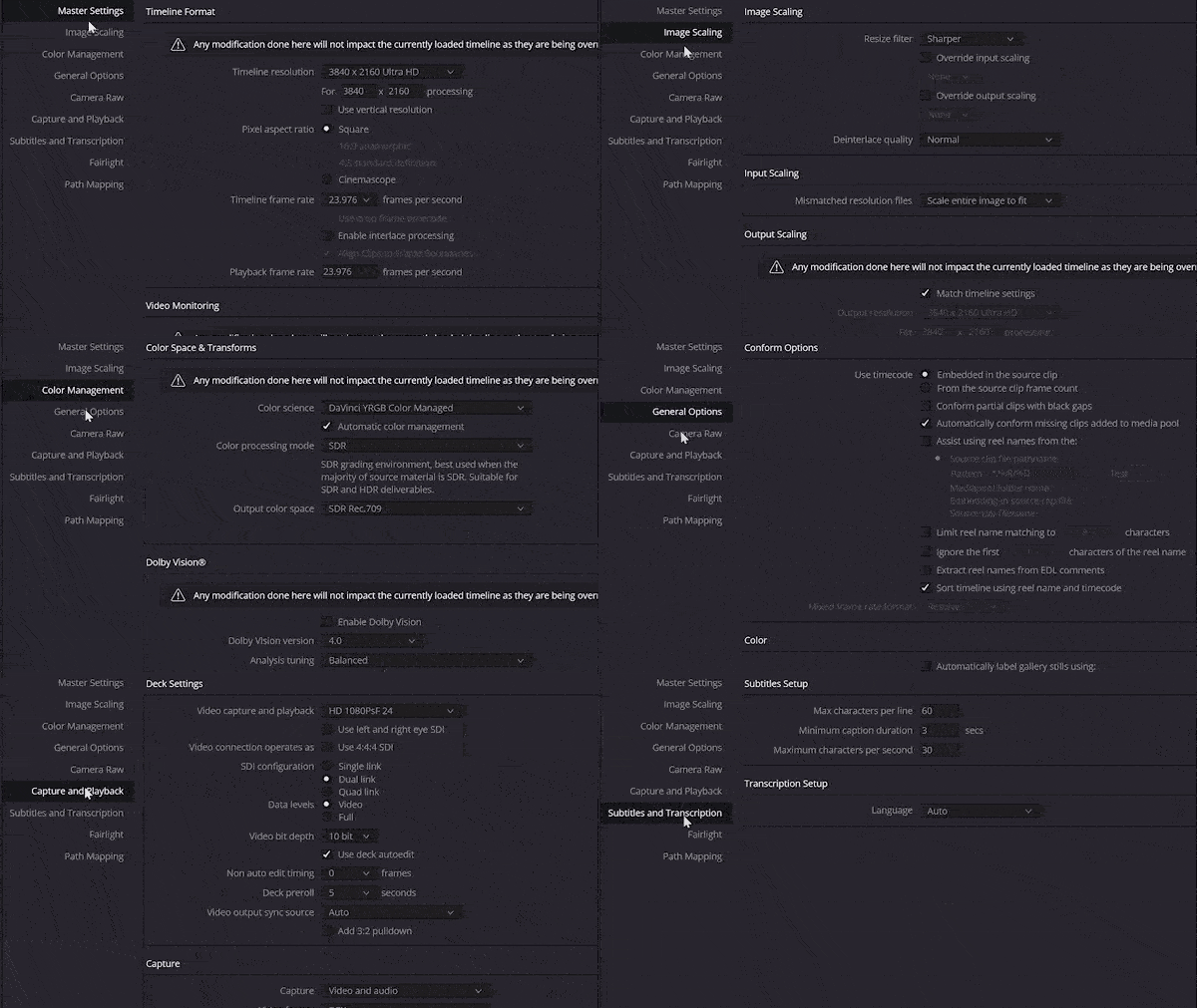
Module 1 - Setting Up & Optimizing DaVinci Resolve
- DaVinci Resolve Free VS Studio - Do You NEED To Buy It?
- Fast File & Folder Organization
- Opening Resolve & Setting Up A Project
- Download My Fast Editing DaVinci Resolve Project Template
- Switch Between Multiple Projects In Just Two Clicks
- Customize Resolve Settings For Fast Editing
- Optimize Your Keyboard Shortcuts
Module 2 - Importing & Editing Footage
- Import Your Footage
- Creating Proxies For Buttery-Smooth Editing
- Import 10-Bit Video Into The FREE Version Of Resolve
- Simply Synchronize Audio & Video
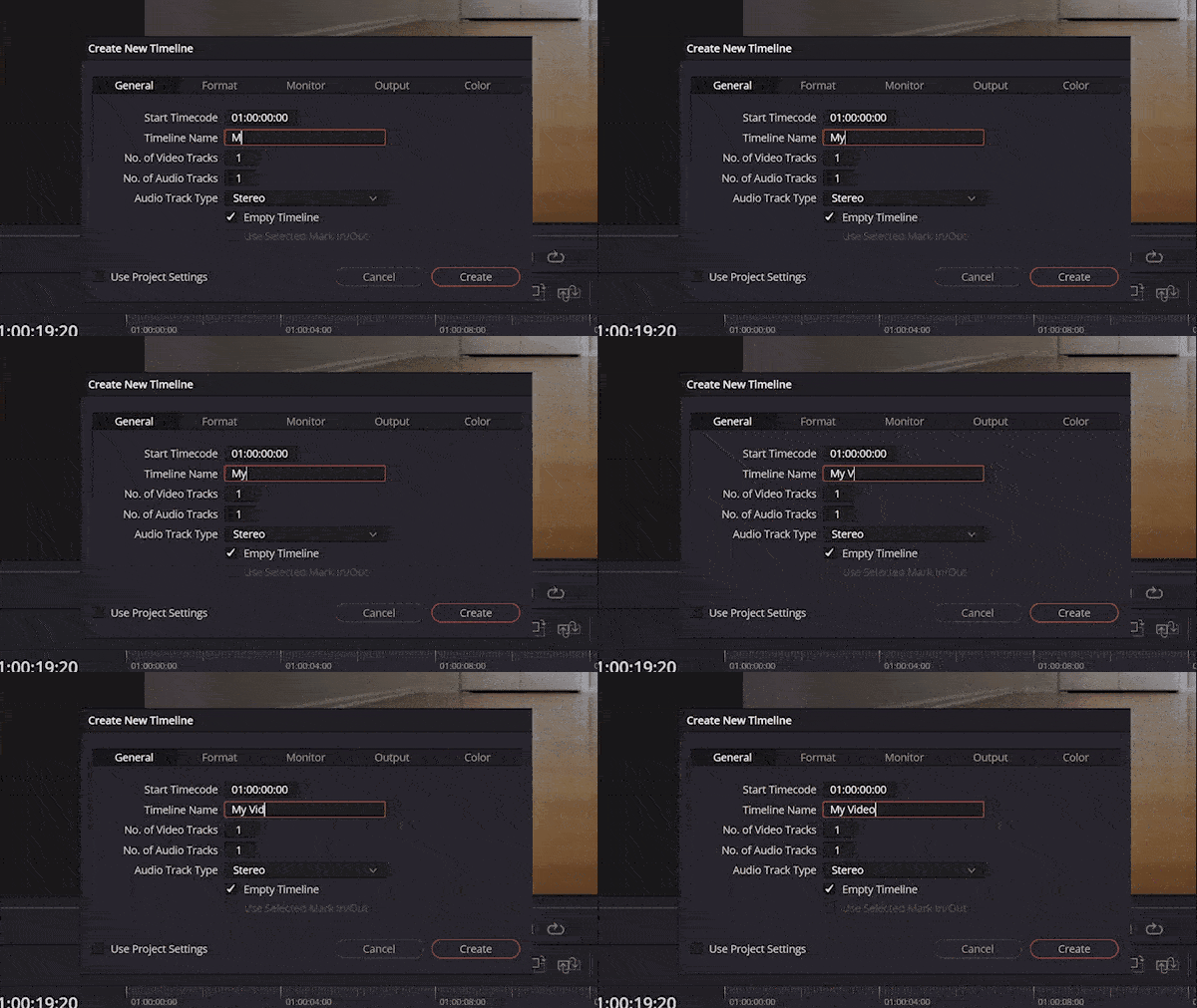
- Create Your Timeline
- Make Quick Edits With The Cut Page
- Streamline Your Editing Page
- Edit Your Footage FAST
- Your New Favorite Video Transitions
- Easily Add Text To Your Video
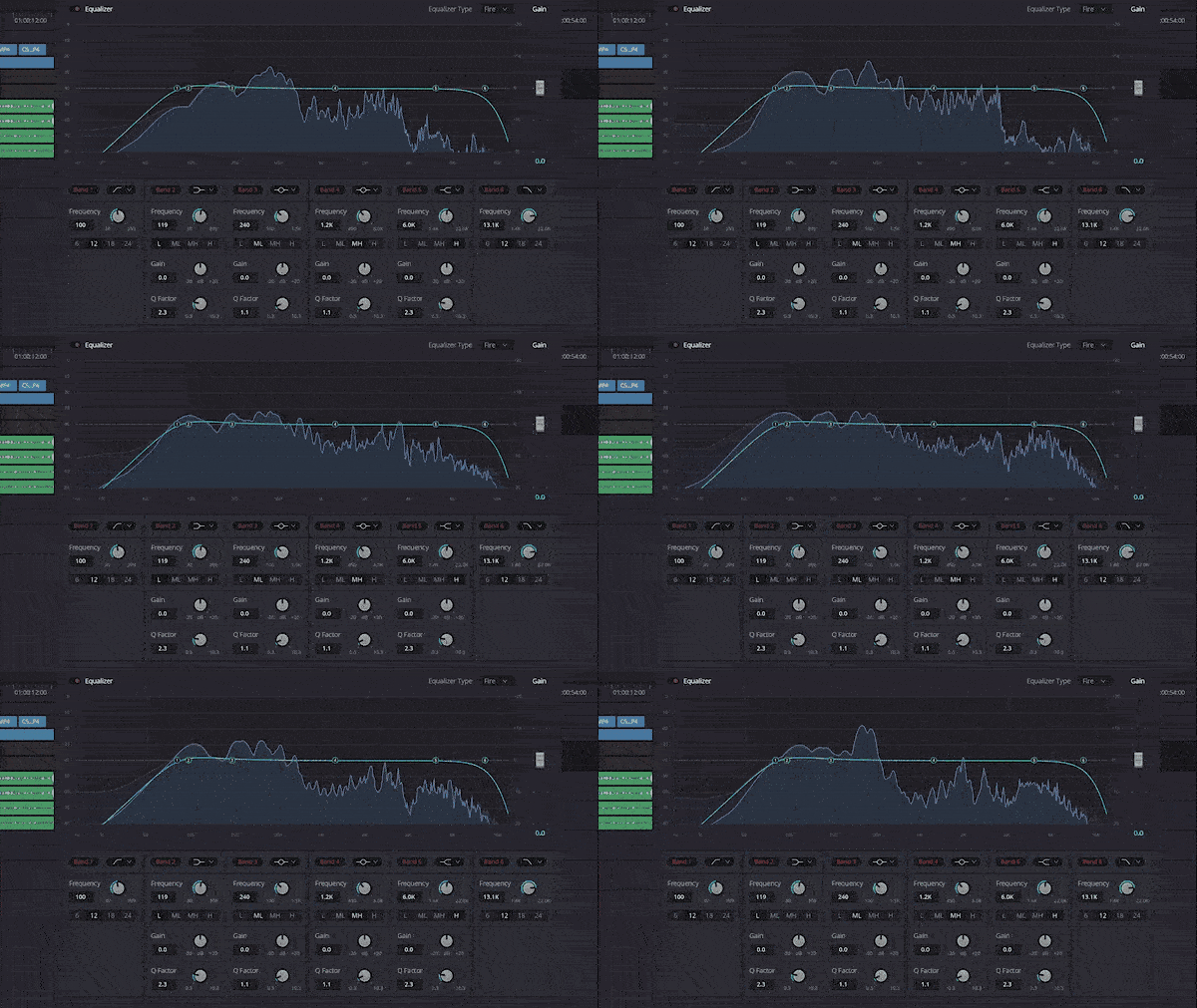
Module 3 - Audio Mixing & Music
- Download My 1-click Presets For Instantly Incredible Sounding Audio, No Matter The Microphone Used
- Where To Find FREE Music For Your Videos
- Mix Your Audio So It Sounds Amazing
- Get FREE Sound Effects With DaVinci Resolve's Sound Library
- Music Licensing Sites You Will Love
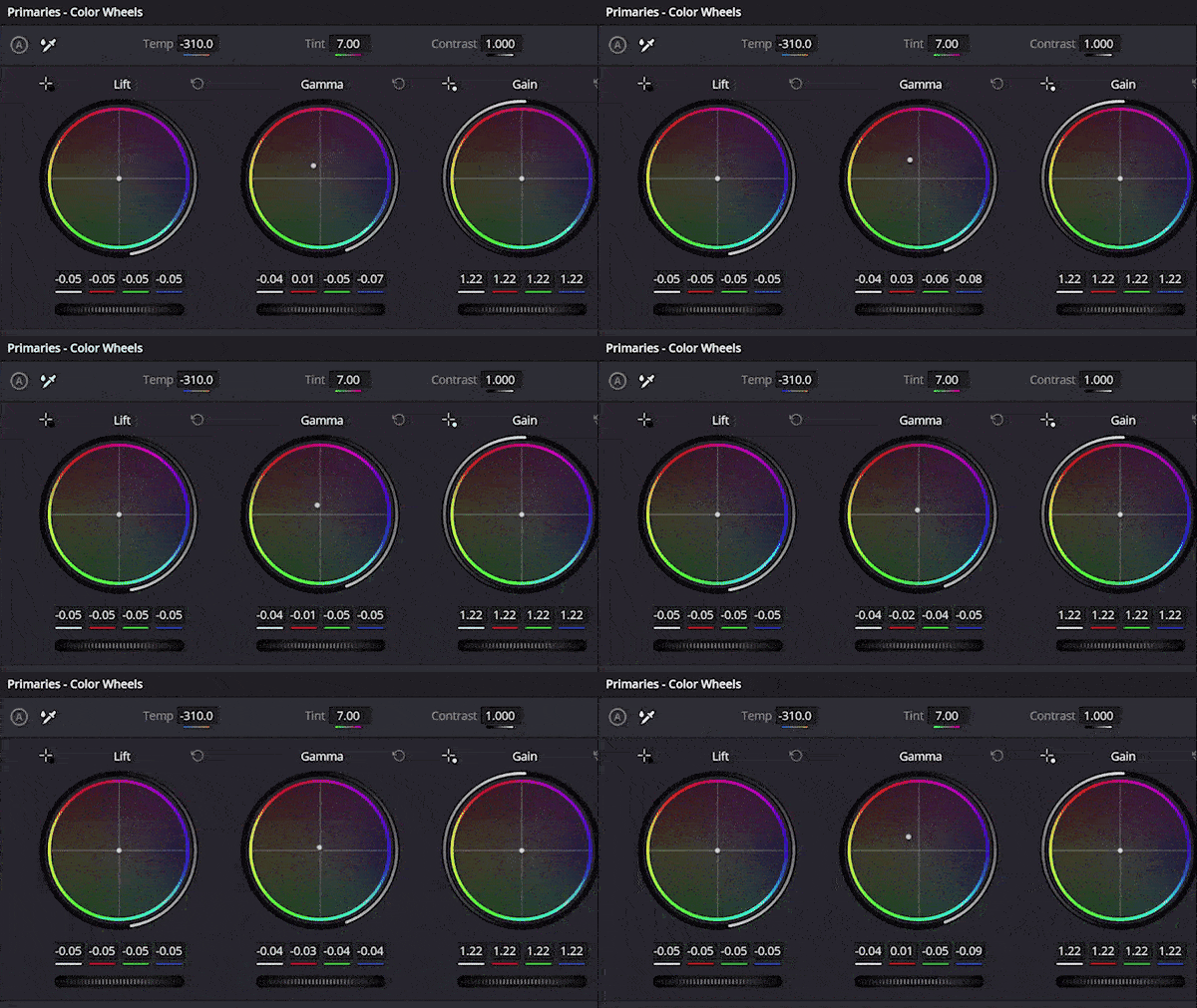
Module 4 - Color Correction & Color Grading
- Correct Your Colors So They Pop
- Take Your Colors To The NEXT LEVEL With Color Grading Using Nodes
- BONUS: Save Time Color Grading With LUTs
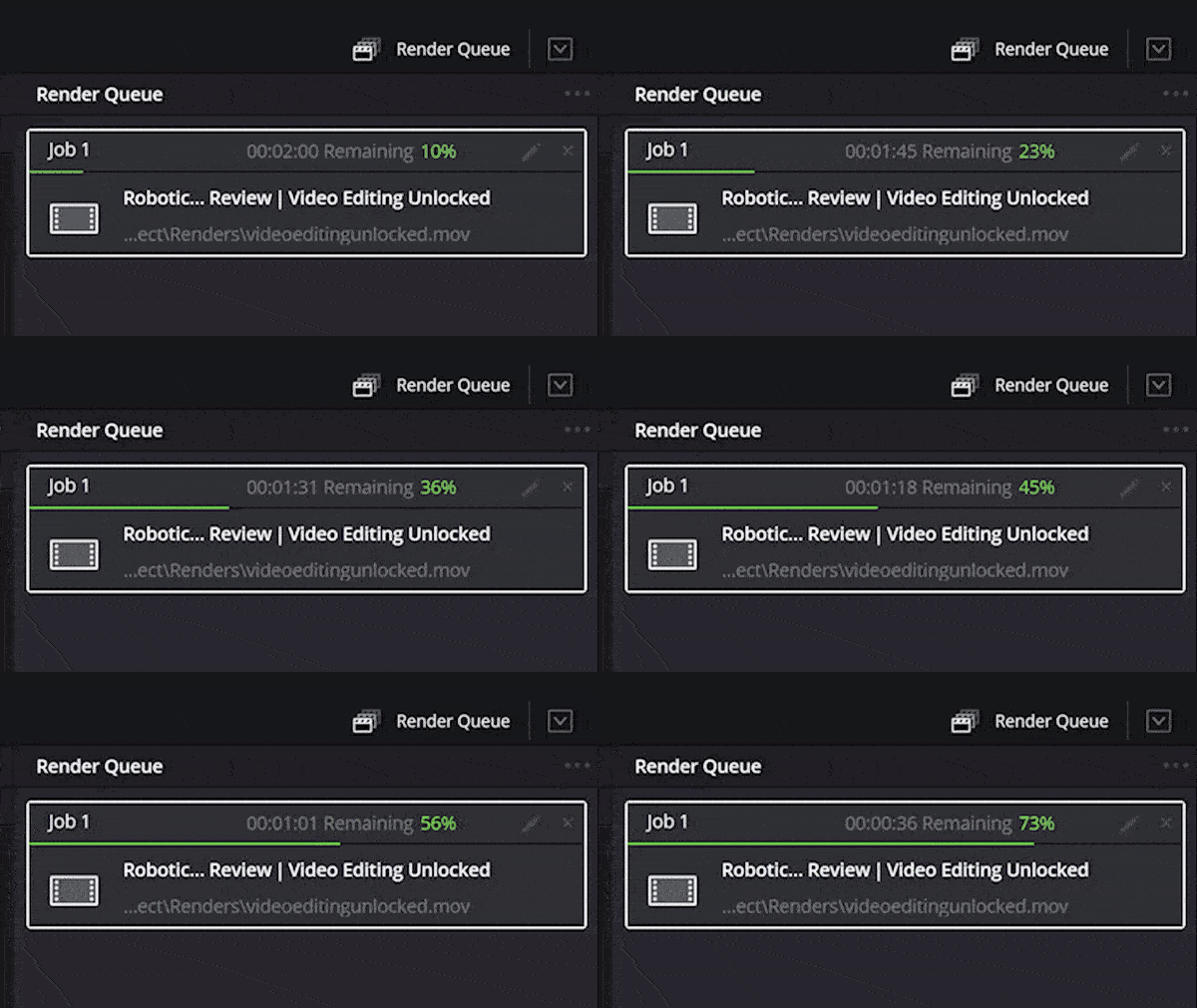
Module 5 - Exporting in 4K & HD
- How To Get Dramatically Better Video Quality On YouTube & Facebook
- A Simple (And Often Ignored) Setting That Affects Your Video Quality The Most
- The Exact Settings I Use To Make My Videos Look Incredible On ANY Screen
FREE LESSON UPDATES AS DAVINCI RESOLVE IS UPDATED
The course is fully up to date for DaVinci Resolve 20.
Every year Blackmagic ships a new version, and you get the new lessons free. Here is what has already been added:
2025 New Lesson (DaVinci Resolve 20) - Save Hours Editing With The AI Audio Assistant
2025 New Lesson (DaVinci Resolve 20) - Change A Song Length, INSTANTLY
2025 New Lesson (DaVinci Resolve 20) - Clone ANY Voice Using AI
2025 New Lesson (DaVinci Resolve 20) - Add Animated Captions In A Few Clicks
And more lessons coming soon...
A video editing class in film school can cost thousands of dollars for even one semester.
But I wanted this course to be as accessible as possible.
And that's why you can get access to the entire Video Editing Unlocked Course for one payment of $197.
GET INSTANT ACCESS"I was hesitant at first. There are so many courses out there, and it's hard to know which ones actually help. I felt comfortable buying Matt's course because of his years of experience filming weddings. I went from not knowing how to use DaVinci to editing my first wedding film, and it streamlined our workflow. Editing that used to take days now takes a few hours."
Jaden B.
Wedding photographer and videographer
60-day money-back-guarantee
If you aren't happy with your purchase for ANY REASON - including realizing you hate looking at my beard - even if you watch the entire course, send me an email within 60 days of your purchase and I will refund your money, no questions asked.

"I am happy with the progress so far, I have reached to the editing part of the course. The pace is perfect and the explanation is easily understood and remembered."
Oh yeah, you get BONUSES too!
Bonus 1 - DaVinci Resolve Fusion Masterclass: Enhance the visuals of your videos with special effects
The powerful Fusion Page in DaVinci Resolve can be used to create many of the high quality motion graphics you see in films and on TV, from your own computer, right on your computer!
In this bonus masterclass, I will show you:
- How to immediately increase your video's production values by animating your text in Fusion
- Learn the ins and outs of the entire Fusion page, giving you confidence to work with this powerful tool
- How to easily work with nodes in fusion (it's not as intimidating as you think)
Bonus 2 - DaVinci Resolve Pro Lessons Vault
DaVinci Resolve is one of the most powerful video editing tools on the planet, with new features and effects being added all the time!
This Vault of Pro Lessons shows you how to use some of the most advanced tools and effects in Resolve, taking your videos and editing speed to the next level.
Here's a sneak peek at some of the lessons in the Vault:
- Give Your Videos A Unique Look With The Film Look Creator
- Use AI To Repair Bad Audio (Hums, Buzz, Background Noise, etc.)
- Remix ANY Song In A Few Clicks With The Music Remixer
- Easily Fix Noisy Video With Ultra Noise Removal
- Upscale Low Resolution Video Without Losing Quality!
Bonus 3 - Raw 4K Footage: Edit along with the course
More than just showing you how to use DaVinci Resolve, I want you to be hands-on with the program.
That's why you get access to the exact same raw footage I used when creating the lessons for this course. You can import this footage into your copy of DaVinci Resolve and follow along with the lessons, making the same edits every step of the way.
In the end, you will know everything you need to edit a video, because you will have already done it!
Here's everything you get in Video Editing Unlocked:
- All 30+ Video Editing Unlocked course videos with over 4 hours of in-depth step-by-step training, plus free future lessons as DaVinci Resolve is updated
- 4 NEW lessons added in 2025, showing you how to use the AI tools in the latest version of DaVinci Resolve
- My Fast Editing DaVinci Resolve Project Template which instantly gives you optimized settings and pre-created organization folders and timelines for fast editing
- My custom one-click audio presets that give you incredible sounding audio in your videos, no matter the mic used
- Access to my private Discord community of DaVinci Resolve editors, where you can ask questions, get feedback, and be encouraged by me and other filmmakers
- BONUS: DaVinci Resolve Fusion Masterclass that shows you how to work with nodes and easily add powerful visual effects to your videos
- BONUS: The DaVinci Resolve Pro Lessons Vault enabling you to easily use advanced features of Resolve, taking your editing speed and capabilities to the next level
- BONUS: Raw 4K Footage for you to follow along with editing during the course
What is all of that worth?
An hour of private coaching with me is $397. A semester of editing classes at film school costs thousands.
You get lifetime access to everything for one payment of $197.
GET INSTANT ACCESS
Not interested in the bonuses?
- All 30+ Video Editing Unlocked course videos with over 4 hours of in-depth step-by-step training, plus free future lessons as DaVinci Resolve is updated
- 4 NEW lessons added in 2025, showing you how to use the AI tools in the latest version of DaVinci Resolve
- My Fast Editing DaVinci Resolve Project Template which instantly gives you optimized settings and pre-created organization folders and timelines for fast editing
- My custom one-click audio presets that give you incredible sounding audio in your videos, no matter the mic used
- Access to my private Discord community of DaVinci Resolve editors, where you can ask questions, get feedback, and be encouraged by me and other filmmakers
BONUS: DaVinci Resolve Fusion Masterclass that shows you how to work with nodes and easily add powerful visual effects to your videosBONUS: The DaVinci Resolve Pro Lessons Vault enabling you to easily use advanced features of Resolve, taking your editing speed and capabilities to the next levelBONUS: Raw 4K Footage for you to follow along with editing during the course
Get the basic version of Video Editing Unlocked for just one payment of $97.
Got Questions?
I've never edited video before. Is this course still for me?
Blackmagic's training is free. Why pay for this?
Do I need to buy DaVinci Resolve Studio?
How long do I get access?
Which version of DaVinci Resolve does this cover?
The choice is up to you!
Edit in both apps?
Get Video Editing Unlocked: DaVinci Resolve and Premiere Pro together, plus my complete WhoisMatt LUTs pack, for one payment of $297.
GET THE COMPLETE BUNDLE60-DAY MONEY BACK GUARANTEE
If you aren't happy with Video Editing Unlocked: DaVinci Resolve for any reason, you're covered by my no-questions-asked 60-day 100% money-back guarantee.
Imagine this - it's 6 months from today...
You didn't invest in this course.
You’re still editing at the same slow pace.
DaVinci Resolve still feels confusing.
You waste hours on things that should take minutes.
And those videos you wanted to create?
They’re still sitting on your hard drive… unfinished.
Or maybe you’re still stuck on another editor, telling yourself “I really should learn DaVinci Resolve”... but you never do.
And the dream of creating pro-quality videos stays just that: a dream.
Now, picture the other path.
6 months from now, you did take action.
You joined Video Editing Unlocked: DaVinci Resolve.
Now you’re editing faster than ever.
You know exactly what every setting does.
You’re mixing audio in a few clicks, color grading like a pro, and building videos you’re proud to share.
Clients love your work.
You feel confident. In control. Unstoppable.
This is your moment.
Join Video Editing Unlocked: DaVinci Resolve today, and let’s make that future yours.
I’ll be right there with you, every step of the way.
Your guide to all things video editing,
Matt Johnson
The choice is up to you!
Edit in both apps?
Get Video Editing Unlocked: DaVinci Resolve and Premiere Pro together, plus my complete WhoisMatt LUTs pack, for one payment of $297.
GET THE COMPLETE BUNDLE60 DAY MONEY BACK GUARANTEE
If you aren't happy with Video Editing Unlocked: DaVinci Resolve for any reason, you're covered by my no-questions-asked 60-day 100% money-back guarantee.